Made for real customer moments
One Tap. Every Action.
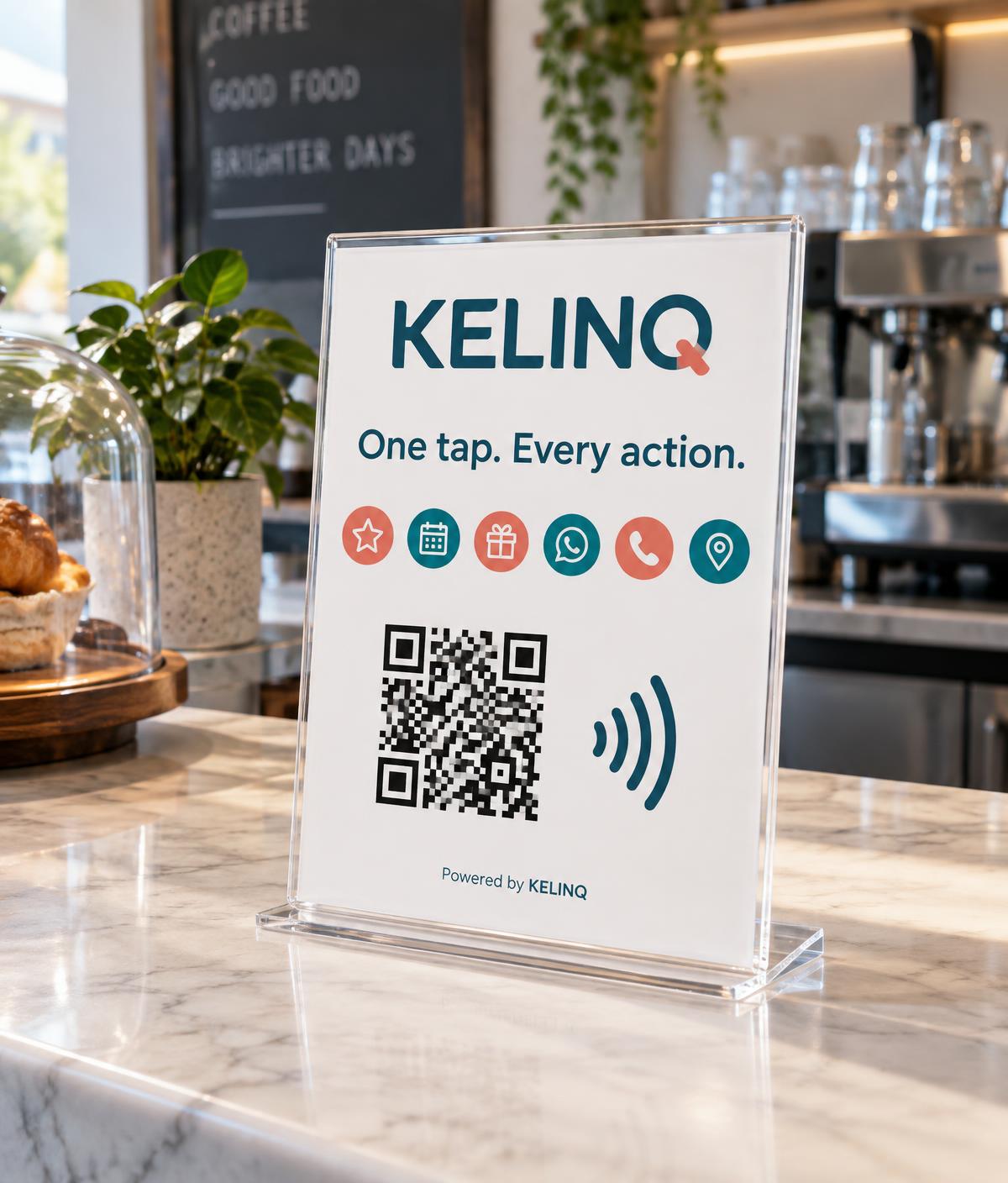
Turn every customer interaction into an opportunity. One QR or NFC point on your counter opens your own KELINQ page — where customers choose what they need.
The example page uses clearly-marked demo data.
From counter to customer
How it works
Step 1
Place your KELINQ point
A stand, card or NFC tag on your counter, table or window.
Step 2
Customer taps or scans
Their phone opens your KELINQ page instantly — no app, no account.
Step 3
They choose an action
Review, book, join loyalty or message you — and you see the activity.
One point, many actions
A review link locks customers into one thing. Your KELINQ page keeps every option open, and you decide which actions appear.
Google reviews
One tap takes customers straight to your Google review page.
Bookings
Customers pick a service and time; you confirm from your dashboard.
Loyalty
Visit-based rewards with real progress stored for each customer.
Open a chat with your business, using your own number.
Directions
Send people to the right door, for every location you run.
Services
Show what you offer, with prices and how long each takes.
Simple plans
Ready to put KELINQ on your counter?
Create your account and we'll set your business page up with you.
Get started